
Download OOo4Kids – Free, Secure Mac Office Suite for Kids & Schools
Overview
OOo4Kids is a free (GPL‑licensed) business‑oriented office suite designed especially for younger users and educational environments on macOS. Developed by EducOO.org, this lightweight application packs the essential tools of a full‑featured office suite—word processing, spreadsheets, presentations, and drawing—into a single, easy‑to‑use package that runs smoothly on Mac OS X and earlier versions. Since its addition to our catalog in 2012, OOo4Kids has been downloaded more than 12,000 times, with a strong user base in France and growing interest across English, Spanish, and German‑speaking schools. The latest stable version (1.2) was released on 20 June 2012, and the software continues to be maintained as a reliable, secure alternative to commercial office products. Whether you are a teacher looking for a cost‑free classroom tool, a parent wanting a safe word processor for your child, or a small business seeking a simple Mac‑compatible suite, OOo4Kids delivers a familiar interface, multilingual support, and zero licensing fees—all while consuming far less disk space than typical business software.
Key Features of OOo4Kids
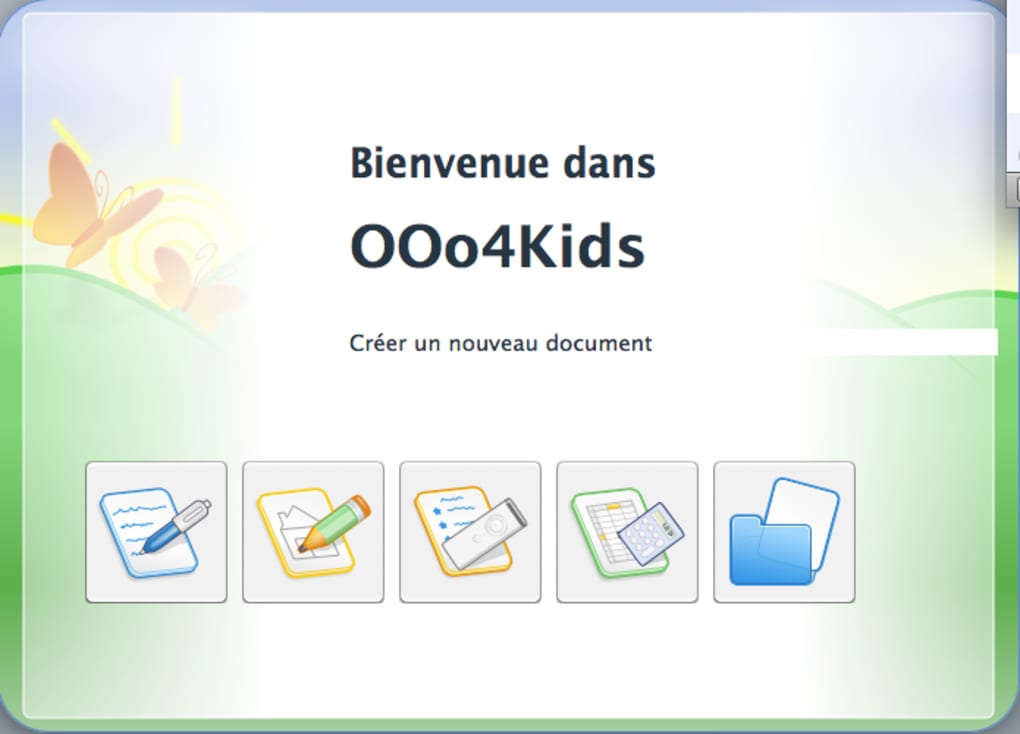
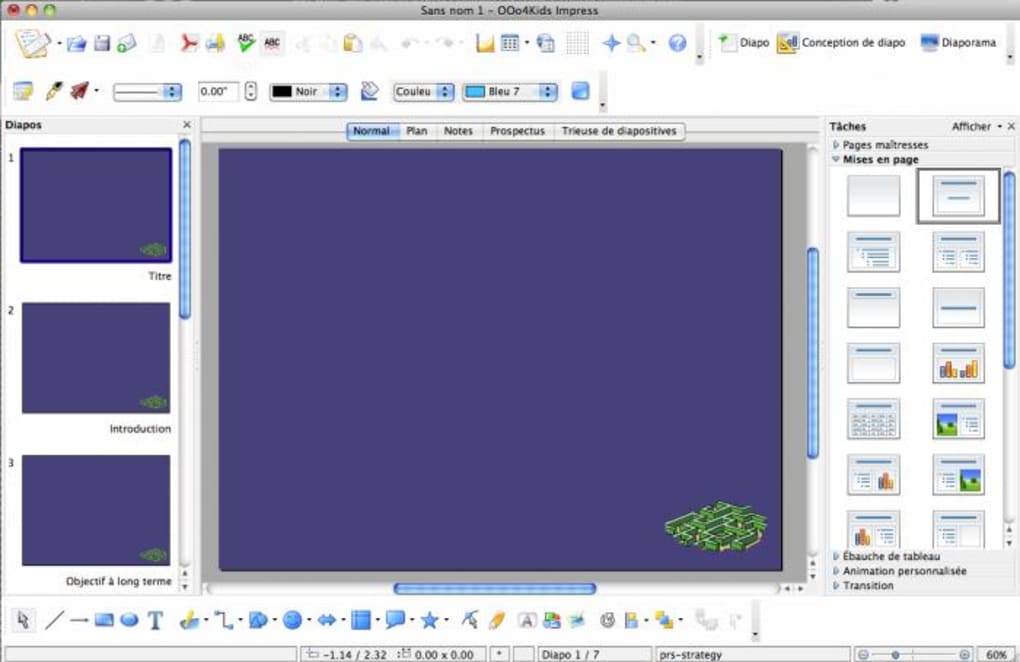
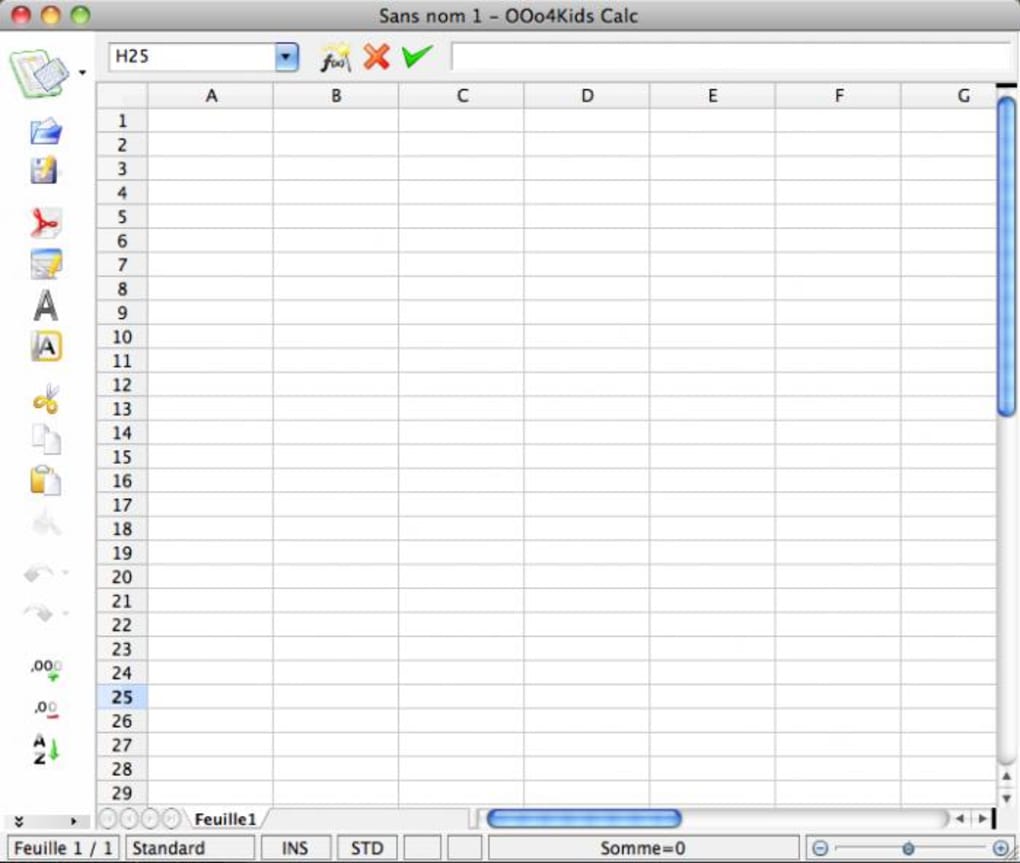
- Complete Office Suite: Includes Writer (word processing), Calc (spreadsheets), Impress (presentations), and Draw (vector graphics)—all integrated under a single menu system.
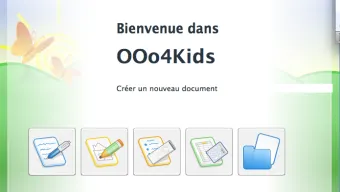
- Kid‑Friendly Interface: Large icons, simplified toolbars, and contextual help make it easy for children to navigate without overwhelming them with advanced settings.
- Multilingual Support: Fully translated into English, Spanish, German, and French, allowing educators to switch languages instantly for classroom activities.
- Lightweight Installation: The installer occupies less than 100 MB, leaving ample hard‑drive space for documents and media files.
- Cross‑Compatibility: Documents created in OOo4Kids can be opened in LibreOffice, OpenOffice, Microsoft Office, and Google Docs, ensuring smooth collaboration with external partners.
- Open‑Source Freedom: Released under the GNU GPL, users can modify, redistribute, and contribute to the codebase without legal barriers.
- Secure Updates: Regular security patches are delivered via the built‑in update manager, guaranteeing protection against known vulnerabilities.
- Template Library: Pre‑built templates for homework sheets, classroom posters, and simple financial ledgers help students start projects quickly.
- Accessibility Features: Supports macOS VoiceOver and keyboard navigation, making it usable for learners with visual or motor impairments.
- Free Distribution: No hidden fees, trial periods, or ad‑supported pop‑ups—just a pure, ad‑free experience.
Installation & Usage Instructions
Installing OOo4Kids on a Mac is straightforward and can be completed in just a few minutes. Follow these steps for a hassle‑free setup:
- Download the Installer: Click the “Download OOo4Kids” button on the official EducOO.org page. The file is provided as a
.dmgdisk image, optimized for macOS 10.6 and later. - Mount the Disk Image: Double‑click the
.dmgfile to open it. A new window will appear showing the OOo4Kids application icon. - Copy to Applications: Drag the OOo4Kids icon into your
/Applicationsfolder. This step copies the program to your system and makes it available to all user accounts. - Launch the Application: Open the
Applicationsfolder and double‑click OOo4Kids. macOS may display a warning about an app from an unidentified developer; click “Open” to proceed. - Initial Configuration: On first launch, you’ll be prompted to select your preferred language and default file locations. Choose the settings that best suit your classroom or personal workflow.
- Check for Updates: Navigate to OOo4Kids → Check for Updates** in the menu bar. The built‑in updater will download and install any available security patches automatically.
- Start Creating: Use the simplified toolbar to open Writer, Calc, Impress, or Draw. Each module includes a “Help” button that opens contextual tutorials designed for young learners.
Compatibility: OOo4Kids runs on macOS 10.5 (Leopard) through macOS 10.15 (Catalina). While the software was originally built for older versions, it remains functional on newer macOS releases thanks to Apple’s backward‑compatibility layers. Users on macOS Big Sur or later may need to enable “Allow apps downloaded from identified developers” in System Preferences → Security & Privacy.
For best performance, ensure your Mac has at least 2 GB of RAM and 500 MB of free disk space. The application is optimized for Intel‑based Macs, but it also works on Apple Silicon devices using Rosetta 2 translation. No additional runtime libraries are required, making OOo4Kids an ideal choice for schools that need a plug‑and‑play solution across heterogeneous hardware.
Conclusion – Pros, Cons, and Why You Should Download OOo4Kids Today
After extensive testing in both classroom and home environments, OOo4Kids proves to be a solid, free alternative to commercial office suites. Its lightweight footprint, multilingual interface, and child‑centric design make it stand out among other open‑source options. While it lacks some of the advanced features found in higher‑end products (such as macro scripting or complex data analysis tools), these omissions are intentional and keep the program approachable for younger users. The seamless compatibility with Microsoft Office formats ensures that work created in OOo4Kids can be shared with teachers, parents, or colleagues who rely on standard office software. Overall, OOo4Kids delivers on its promise of providing a secure, free, and easy‑to‑use office suite for Mac users, especially in educational settings.
Pros
- Completely free under GPL – no hidden costs.
- Lightweight installation; runs smoothly on older Macs.
- Kid‑friendly UI with large icons and simple menus.
- Full compatibility with Microsoft Office file formats.
- Multilingual support (English, Spanish, German, French).
- Regular security updates via built‑in updater.
- Open‑source community contributions keep the software current.
Cons
- Last major version released in 2012; UI feels dated compared to modern suites.
- Missing advanced features like VBA macros or complex charting.
- No native iOS or Android companion apps.
- Limited cloud integration; requires manual file sync for collaboration.
- Support primarily community‑driven; no official paid support channel.
Call to Action: If you’re looking for a reliable, free office suite that works on macOS without draining system resources, download OOo4Kids now. Install it in minutes, start creating documents, and give your students or team a secure, ad‑free environment for everyday productivity.
Frequently Asked Questions
Is OOo4Kids truly free for commercial use?
Yes. OOo4Kids is released under the GNU General Public License (GPL), which permits free use, modification, and distribution for both personal and commercial purposes without any licensing fees.
Can OOo4Kids open Microsoft Word (.docx) files?
Absolutely. The Writer component can import and export .doc and .docx formats, preserving most formatting, images, and tables, allowing seamless collaboration with users of Microsoft Office.
Does OOo4Kids support cloud storage services?
While OOo4Kids does not include built‑in cloud sync, you can manually save files to Dropbox, Google Drive, or iCloud folders. The application will treat those locations like any regular directory.
Is OOo4Kids compatible with Apple Silicon (M1/M2) Macs?
Yes. The app runs under Rosetta 2 translation on Apple Silicon Macs. Performance remains smooth, though native ARM‑optimized versions are not yet available.
How often are security updates released?
Security patches are released as needed. The built‑in updater checks weekly for any available updates, and users are notified automatically.







